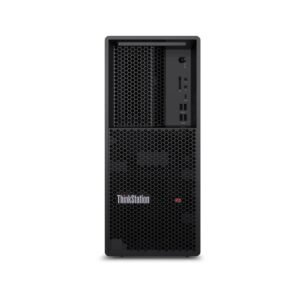















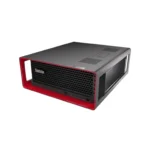
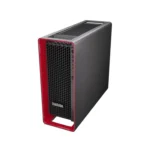
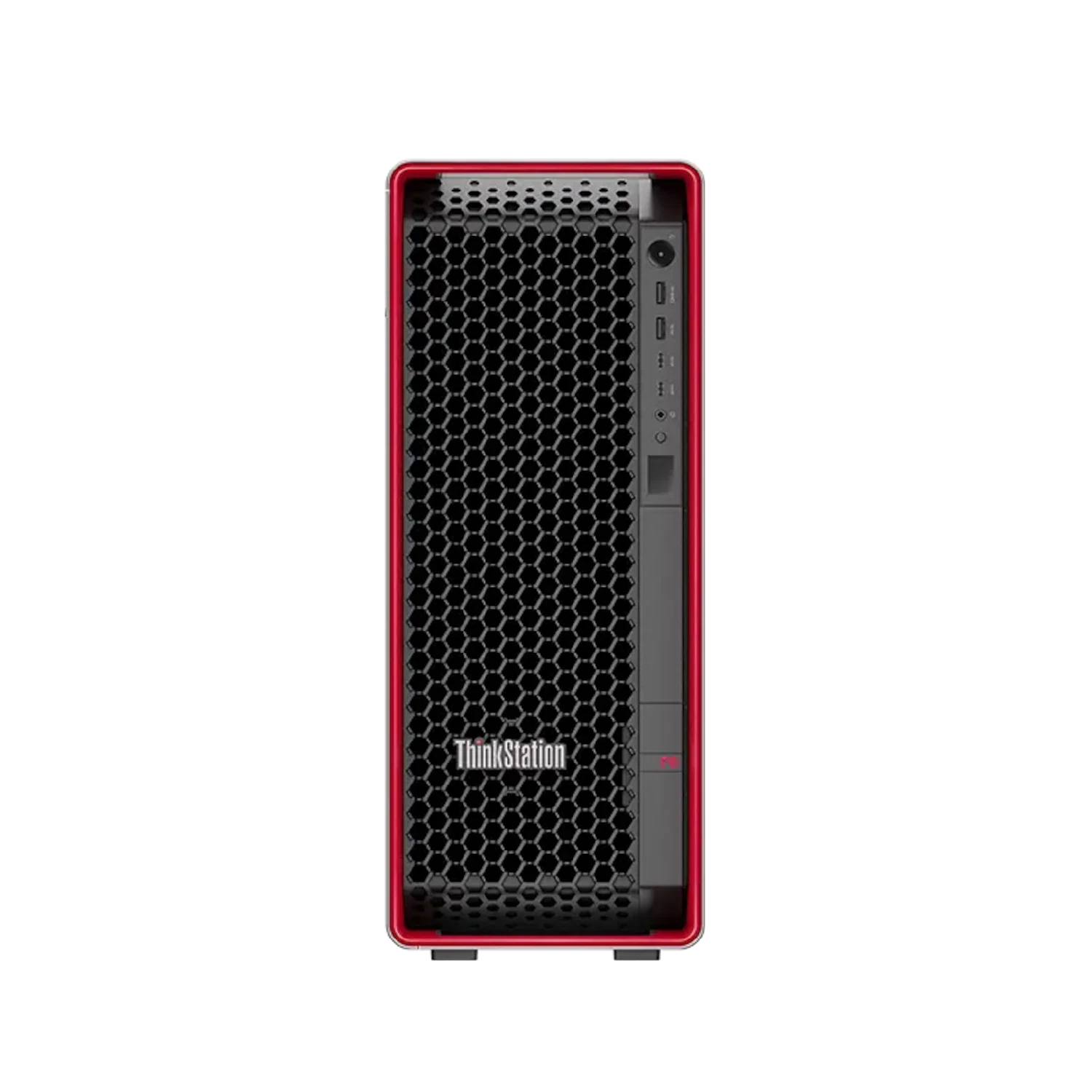
Lenovo ThinkStation P8 Tower Workstation | AMD Ryzen Threadripper PRO 7945WX | 32 GB | 1 TB | Windows 11 Pro DG | 3 Year | 30HH0020AX
18,285.00 AED
- AMD Ryzen Threadripper PRO 7945WX
- 32GB 2x 16GB RDIMM DDR5-4800 ECC
- No discrete GPU
- 1TB SSD M.2 2280 PCIe 4.0×4 NVMe Opal
- Windows 11 pro DG
- 3 Year Warranty
Free Shipping
Zero delivery charges, maximum convenience.
If You Have Any Query,
Please Contact Us
Our Sales Specialist
Name: Anjalina
Physical Store Available
100% Genuine
24/7 Support
18,285.00 AED
+
Original price was: 683.00 AED.623.00 AEDCurrent price is: 623.00 AED.
+
Description
The Lenovo ThinkStation P8 Tower Workstation is a powerful, mid-range workstation designed for handling demanding workloads, like engineering, architecture, media production, and data analysis. Here are the detailed product features:
1. Processor Options
- Powered by AMD Ryzen Threadripper PRO 7000 WX-series processors, offering up to 96 cores for extreme multi-threaded performance.
- Designed for AI, deep learning, complex simulations, 3D rendering, and heavy data workloads.
2. Graphics and Display
- Supports multiple professional NVIDIA RTX GPUs, including top-tier options like RTX A6000.
- Capable of handling advanced rendering, VFX, AI model training, and real-time visualization.
- Supports multiple 4K/8K displays for high-end multitasking and visualization environments.
3. Memory and Storage
- Supports up to 2TB DDR5 ECC memory, ensuring maximum reliability and performance for enterprise workloads.
- Offers massive storage scalability with multiple NVMe SSD and HDD configurations.
- Built on PCIe Gen 5, delivering ultra-fast data transfer speeds for intensive applications.
4. Connectivity and Ports
- Equipped with a wide range of USB-A, USB-C, and high-speed connectivity options.
- Supports Thunderbolt™ 4, DisplayPort, and advanced networking options (including 10Gb Ethernet).
- Designed for high-speed data transfer and enterprise environments.
5. Operating System and Software
- Lenovo ThinkStation P8 Tower Workstation is Available with Windows 11 Pro and Linux distributions like Ubuntu and Red Hat Enterprise Linux.
- ISV certified for professional applications such as AutoCAD, SOLIDWORKS, and Adobe Creative Cloud.
6. Expandability
- Highly modular design with tool-less access for easy upgrades.
- Supports multiple GPUs, extensive PCIe slots, and large-scale storage expansion.
7. Thermal Design and Reliability
- Advanced multi-channel cooling system engineered to handle extreme workloads.
- Optimized airflow ensures consistent performance under sustained heavy usage.
8. Security Features
- Includes Lenovo ThinkShield security suite with advanced firmware and hardware protection.
- Features TPM 2.0, BIOS-level security, chassis intrusion detection, and physical security options.
Processor
| Processor Name | MD Ryzen Threadripper PRO 7945WX |
| Processor Speed | 5.3 GHz |
| Processor Core | 12 P-cores and 16 E-cores |
| Processor Cache | 12 MB L3 cache |
Memory
| Memory Type | DDR5 |
| Memory | 32 GB |
Graphics
| Graphics Card | N/A |
General
| Storage | 1TB SSD |
| Power Supply Type | 1000 W Platinum Fixed |
| Weight | Upto 25.09 kg |
| Product Dimensions | 175 x 508 x 434.4 mm |
| Operating System | Windows 11 Pro |
| Warranty | 3 Year |
| Question | What is the Lenovo ThinkStation P8 Tower Workstation? |
| Answer | The Lenovo ThinkStation P8 is a high-performance professional workstation designed for AI, engineering, simulation, visualization, and other compute-intensive workloads. |
| Question | Who should use the ThinkStation P8 Tower Workstation? |
| Answer | It is ideal for engineers, architects, product designers, AI developers, researchers, data scientists, and media professionals handling complex projects. |
| Question | What are the key advantages of the Lenovo ThinkStation P8? |
| Answer | The ThinkStation P8 offers exceptional performance, enterprise-grade reliability, advanced scalability, and support for demanding professional applications. |
| Question | Is the ThinkStation P8 suitable for AI and machine learning workloads? |
| Answer | Yes, it is designed to handle AI development, machine learning, data analytics, and other computationally intensive tasks. |
| Question | Can the ThinkStation P8 support CAD and engineering software? |
| Answer | Yes, it is optimized for CAD, BIM, simulation, product design, and engineering workflows. |
| Question | Is the ThinkStation P8 good for 3D rendering and visualization? |
| Answer | Yes, it delivers the processing power and graphics capabilities needed for rendering, visualization, animation, and digital content creation. |
| Question | How does the ThinkStation P8 compare to the ThinkStation P3 Tower? |
| Answer | The ThinkStation P8 is built for significantly more demanding workloads, offering higher scalability, performance, and expansion capabilities than the P3 Tower. |
| Question | How does the ThinkStation P8 compare to the ThinkStation P7? |
| Answer | The ThinkStation P8 is positioned as a high-performance workstation platform, offering enterprise-class capabilities for complex professional workloads. |
| Question | What industries commonly use the ThinkStation P8? |
| Answer | Industries such as engineering, architecture, manufacturing, research, healthcare, energy, media production, and artificial intelligence frequently use high-performance workstations like the P8. |
| Question | What factors should businesses consider when investing in a high-performance workstation? |
| Answer | Businesses should evaluate workload requirements, scalability, graphics performance, security, reliability, and future growth needs. |
| Question | Is the ThinkStation P8 a future-ready workstation? |
| Answer | Yes, its scalable architecture and support for advanced professional workloads make it a strong long-term investment. |
Physical Store Available
100% Genuine
24/7 Support