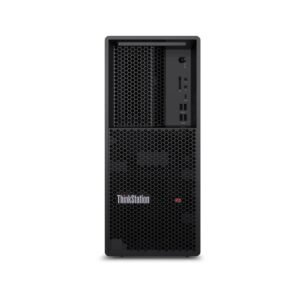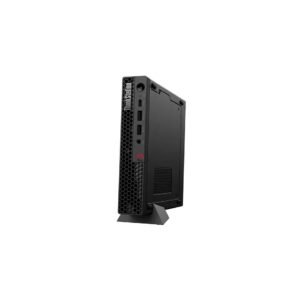















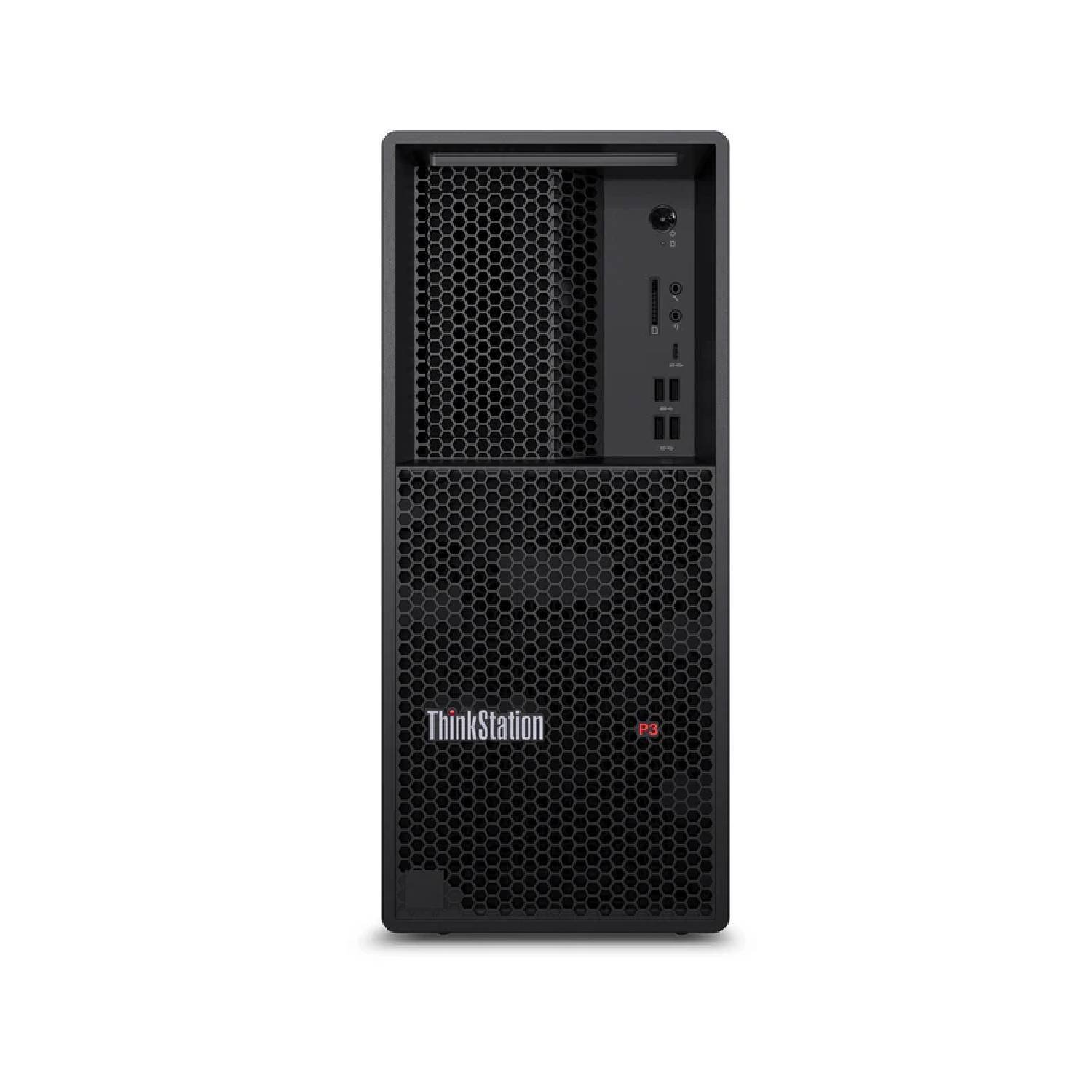
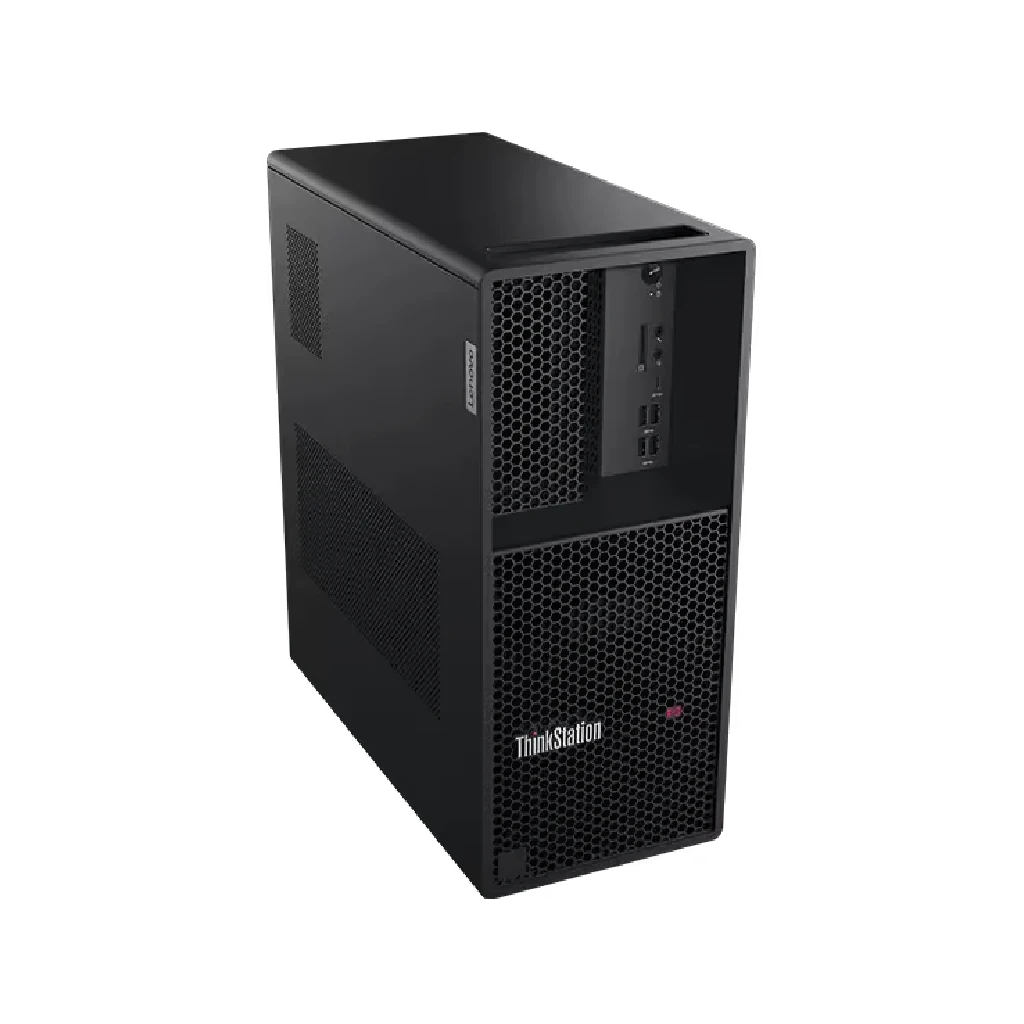
Lenovo Think Station P3 Tower Workstation | Intel Core i7-14700K | Intel UHD Graphics 770 | 16 GB | 512GB | Win11 Pro | 3 Year | 30GS00CBAX
- Intel Core i7-14700K
- 16GB DDR5
- Integrated Intel UHD Graphics 770
- 512GB SSD
- Windows 11 pro
- 3 Year Warranty
Free Shipping
Zero delivery charges, maximum convenience.

If You Have Any Query,
Please Contact Us
Our Sales Specialist
Name: Anjalina
Physical Store Available
100% Genuine
24/7 Support
Description
Workstation might, desktop price
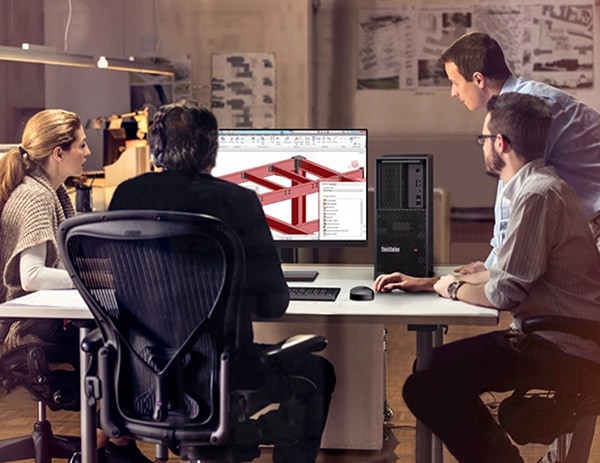
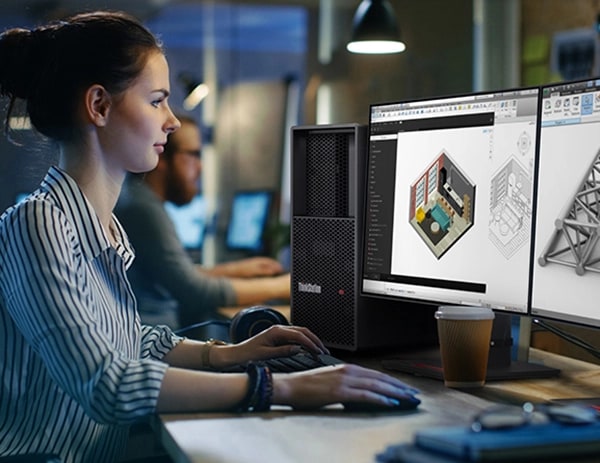
Designed by engineers for engineers, the Lenovo Think Station P3 Tower Workstation offers all the workhorse capabilities of a workstation for the price of a desktop. Built for tasks that require superior power and performance, it’s equipped with Intel Core processors with Intel vPro, and supports professional NVIDIA discrete graphics.
Delivering power & performance
The Lenovo Think Station P3 Tower Workstation’s chassis has an advanced thermal design to promote extra power and performance, without overheating. Featuring the latest professional graphics technology from NVIDIA to accelerate your workflow, the P3 gives you the compute power to execute your visions, time and time again.
Configure it any which way
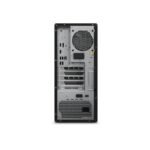
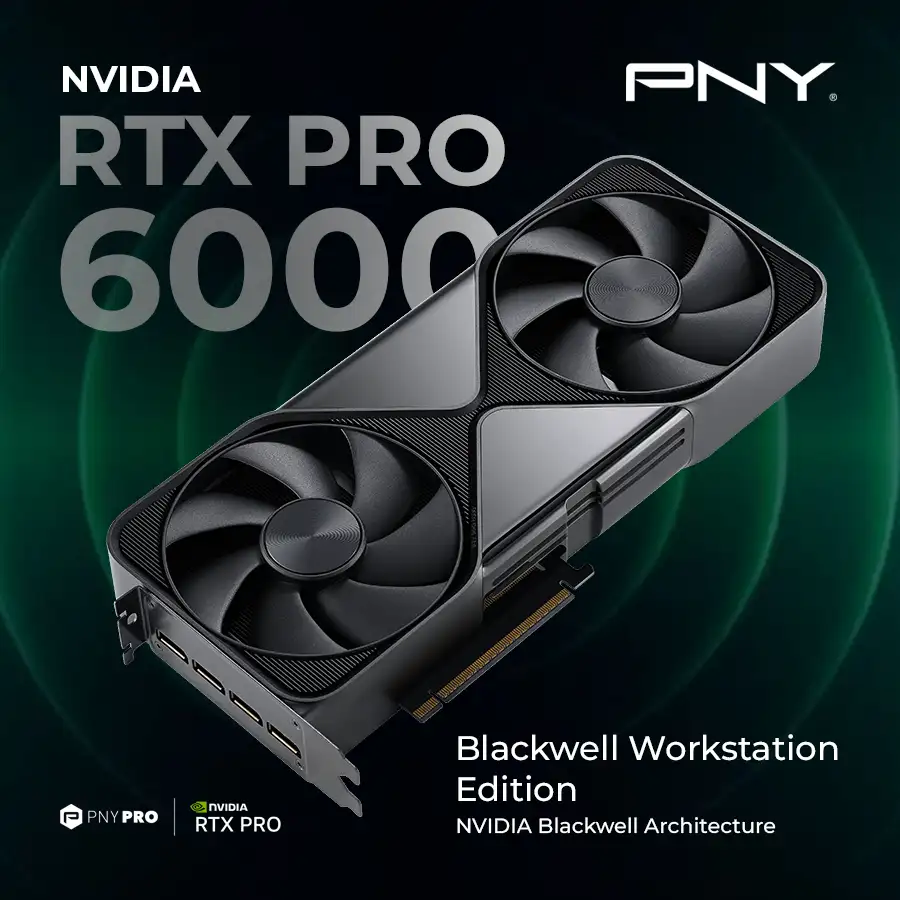
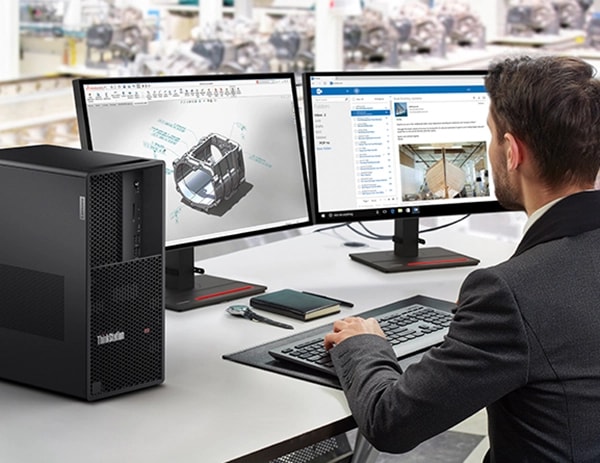
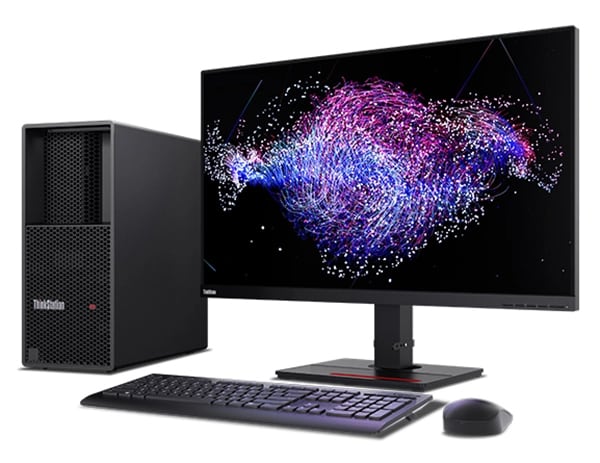
With three onboard DisplayPorts, plus the ability to configure up to eight more, the Lenovo Think Station P3 Tower Workstation can support up to 12 independent displays. And with heaps of speedy memory and SSD storage, plus five open PCIe slots for a variety of network and special purpose add-in-cards, this workstation can be configured to tackle your most exacting workflows.
Security you can count on
The ThinkStation P3 Tower is protected with ThinkShield, a suite of hardware and software that work together to safeguard your workstation and data. This includes the discrete Trusted Platform Module (TPM) 2.0 to encrypt sensitive data, as well as various programs to prevent unauthorized access to the BIOS, plus self-healing software if the BIOS is corrupted or maliciously attacked. For extra peace of mind, it also supports Windows firmware updates.
Mission-critical performance, made easy
At the heart of every Lenovo ThinkStation is reliability. Proven to run in extreme conditions, the ThinkStation P3 Tower also boasts an array of independent software vendor (ISV) certifications. It’s the perfect workstation for designers, engineers, and students looking for versatility, flexibility, and breakthrough performance to breeze through heavy workloads.
| Processor Name | Intel Core i7-14700K |
| Processor Speed | 5.3 GHz |
| Processor Core | 8 P-cores and 8 E-cores |
| Processor Cache | 30 MB L3 cache |
| Memory Type | DDR5 |
| Memory | 16 GB |
| Graphics Card | Integrated Intel UHD Graphics 770 |
| Storage | 512GB SSD |
| Power Supply Type | 750 W Platinum Fixed |
| Weight | 13.61 kg |
| Product Dimensions | 170 x 315.4 x 376 mm |
| Operating System | Windows 11 Pro |
| Warranty | 3 Year |
| Question | What is the Lenovo ThinkStation P3 Tower Gen 2 Workstation? |
| Answer | The ThinkStation P3 Tower Gen 2 is a professional workstation designed to deliver reliable, high-performance computing for engineering, design, architecture, and business-critical applications. |
| Question | Who should use the ThinkStation P3 Tower Gen 2? |
| Answer | It is ideal for engineers, architects, product designers, content creators, developers, and professionals working with demanding software and large datasets. |
| Question | What are the key benefits of the ThinkStation P3 Tower Gen 2? |
| Answer | It offers workstation-class performance, enterprise reliability, scalability, and support for professional applications in a tower form factor. |
| Question | Is the ThinkStation P3 Tower Gen 2 suitable for CAD and engineering software? |
| Answer | Yes, it is built to handle CAD, BIM, simulation, and engineering workflows efficiently. |
| Question | Can the ThinkStation P3 Tower Gen 2 support 3D rendering and visualization? |
| Answer | Yes, it is designed for 3D modeling, rendering, visualization, and other graphics-intensive professional workloads. |
| Question | How does the ThinkStation P3 Tower Gen 2 compare to the ThinkStation P3 Tiny Gen 2? |
| Answer | The P3 Tower Gen 2 offers greater expandability, higher performance potential, and more upgrade options, while the P3 Tiny Gen 2 focuses on space efficiency. |
| Question | How does the ThinkStation P3 Tower Gen 2 compare to a standard business desktop? |
| Answer | It provides workstation-grade reliability, performance, and support for professional applications that typically exceed the capabilities of standard desktops. |
| Question | Is the ThinkStation P3 Tower Gen 2 suitable for AI and data analysis workloads? |
| Answer | Yes, it can support AI-assisted workflows, data analytics, and compute-intensive applications depending on the configuration. |
| Question | What industries commonly use the ThinkStation P3 Tower Gen 2? |
| Answer | It is widely used in engineering, architecture, manufacturing, healthcare, education, media production, and research sectors. |
| Question | Can the ThinkStation P3 Tower Gen 2 support multiple displays? |
| Answer | Yes, it can support multi-monitor setups to improve productivity and workflow efficiency. |
| Question | Why choose the Lenovo ThinkStation P3 Tower Gen 2 Workstation? |
| Answer | The ThinkStation P3 Tower Gen 2 combines powerful performance, professional reliability, scalability, and support for demanding workloads, making it an excellent choice for businesses and professionals. |
Physical Store Available
100% Genuine
24/7 Support