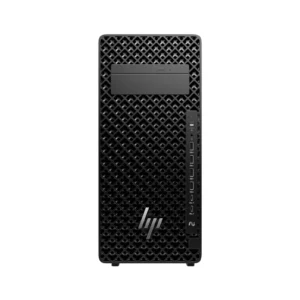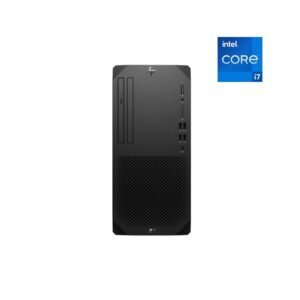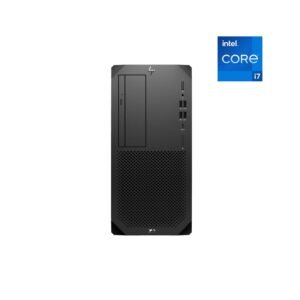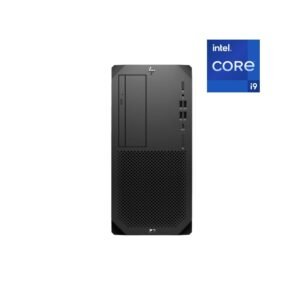















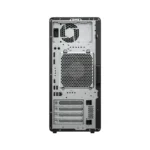
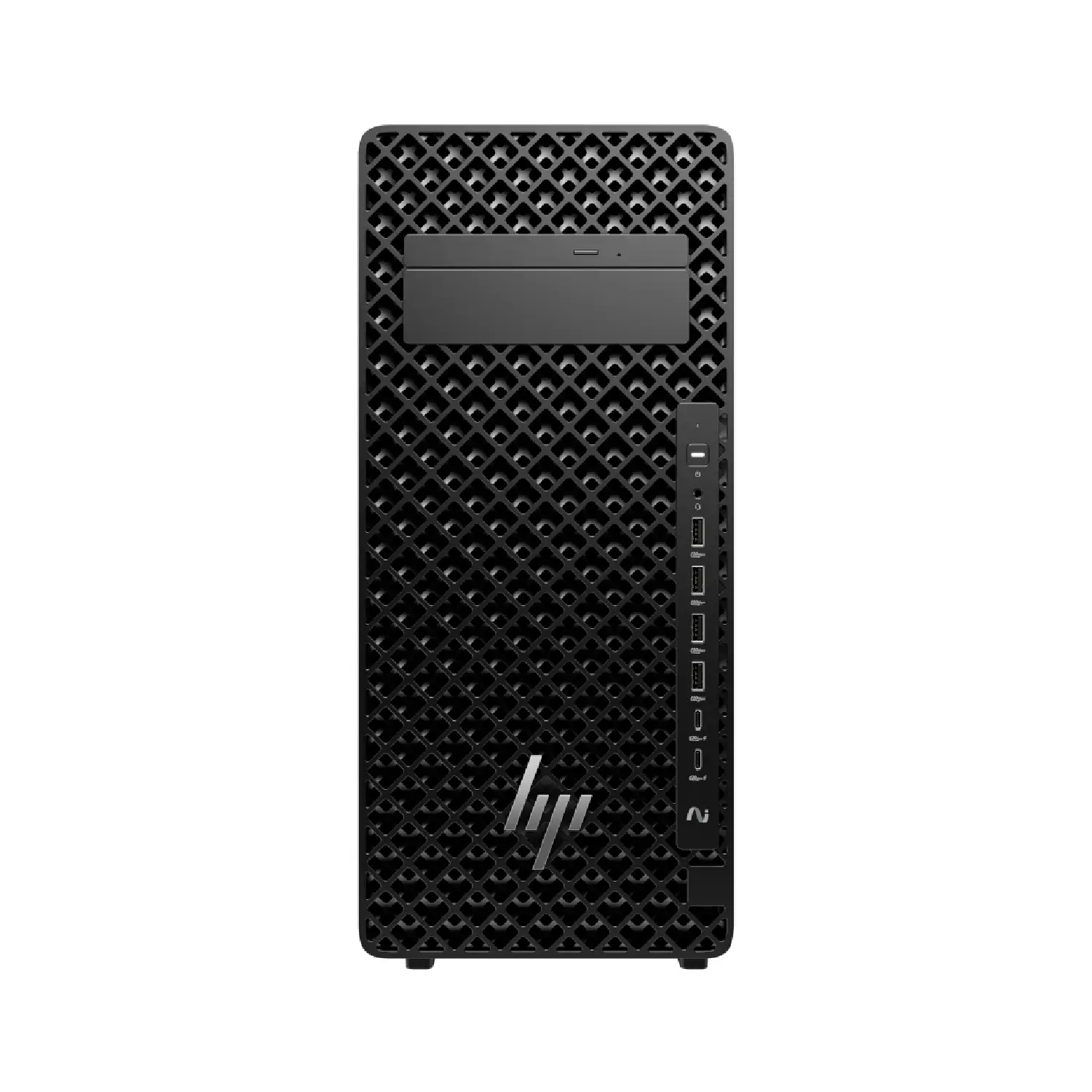
HP Z2 Tower G1i Workstation | Intel Core Ultra 7 265K | 16 GB | 1TB SSD | Linux | 1 year | D5ZB4ES
- Intel Core Ultra 7 265K (30 MB cache, 20 cores, 20 threads, 3.9 GHz to 5.5 GHz, 125W)
- 16 GB, DDR5, 5600 MT/s, non-ECC (196GB Max)
- 1TB PCIe Gen4 NVMe M.2 Solid State Drive
- Integrated Intel Graphics
- Linux
- 700W High Efficiency Internal Power Supply
- Starting at 8.6 kg
- 1 Year Warranty
Free Shipping
Zero delivery charges, maximum convenience.

If You Have Any Query,
Please Contact Us
Our Sales Specialist
Name: Anjalina
Physical Store Available
100% Genuine
24/7 Support

Description
Small form. Big power. Impressive expandability.
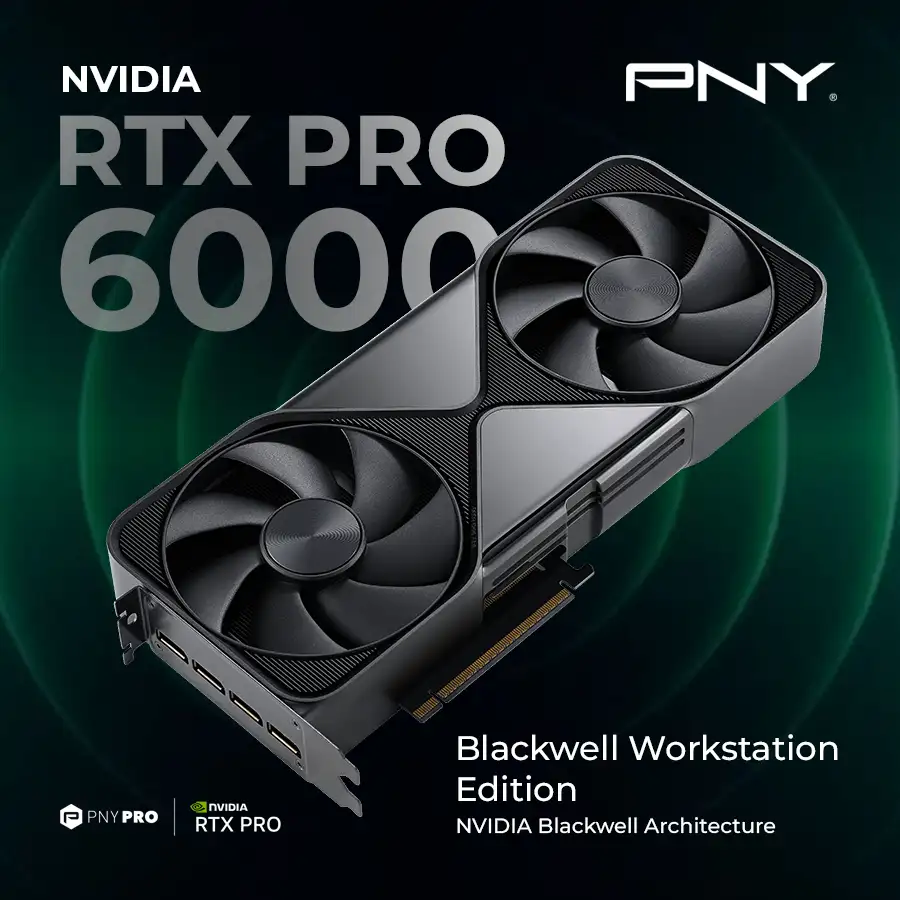
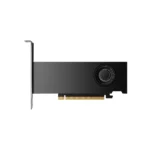
Design, simulate, and real-time ray trace on the Z2 AI workstation, with low-profile NVIDIA RTXTM graphics and an Intel® Core™ Ultra processor, 4 including K-Series. Easily upgrade memory 5 and storage as work evolves with tool-less access.
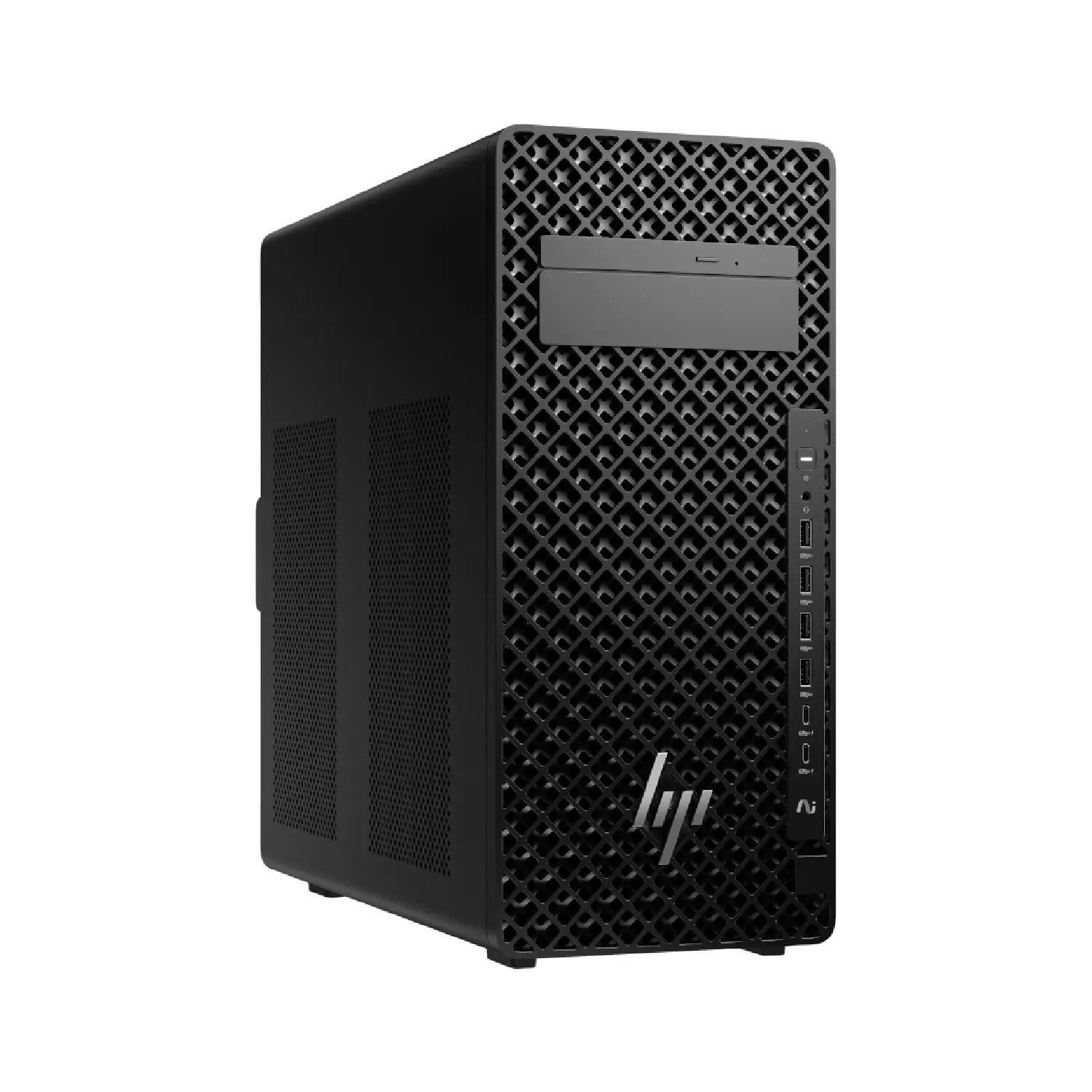
Smaller design. Big impact.
Whether placed horizontally or vertically, the Z2 defies space constraints. Its smaller size allows for 4 units across a 7U rack. 6 Stylish yet purposeful venting improves airflow to enable powerful K-series CPUs and NVIDIA low profile GPUs.
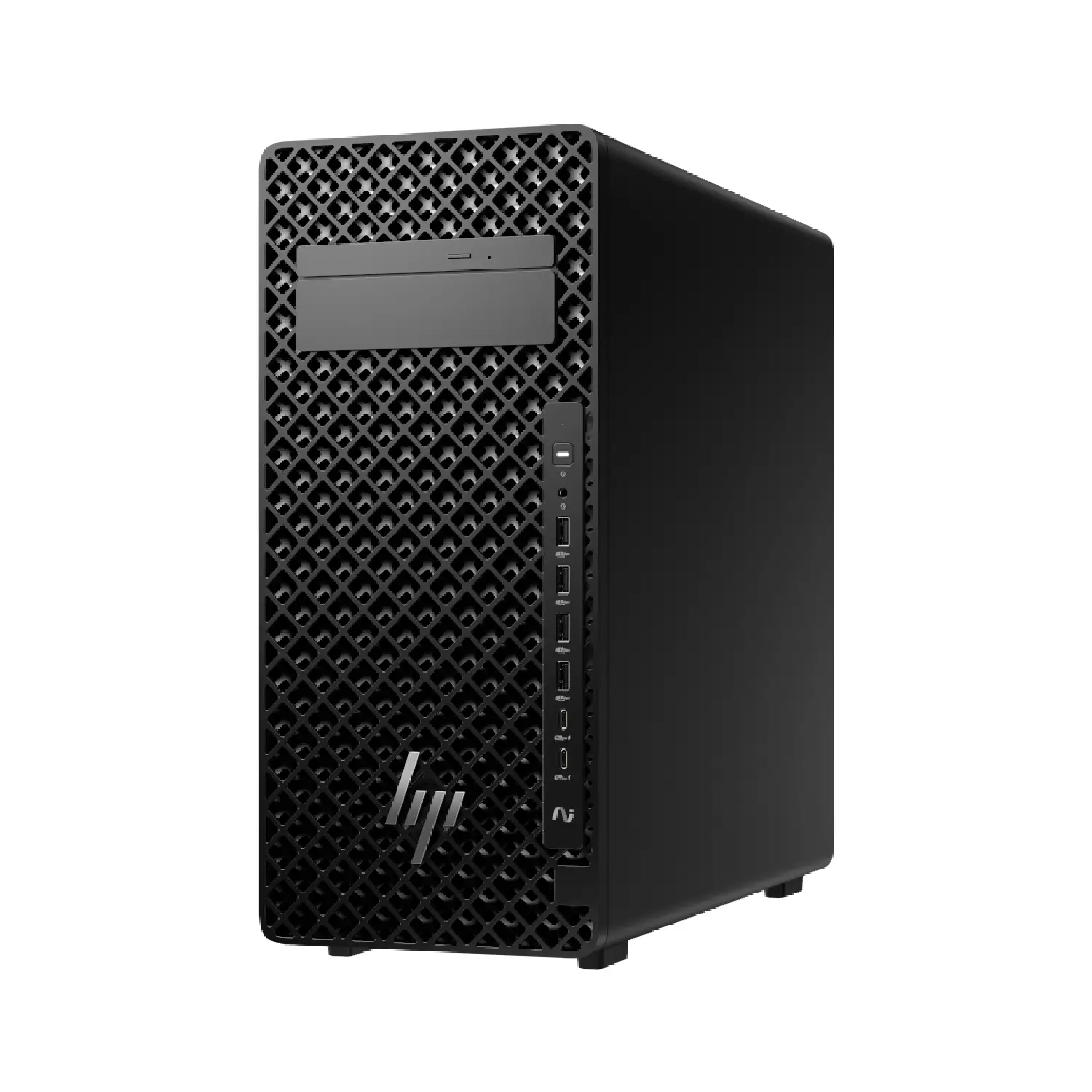
Power AI-accelerated workflows
Accelerate AI inferencing and development with the Z2 Tower AI workstation. Iterate and problem solve faster on your local device with a powerful discrete GPU delivering AI TOPS while a built-in NPU takes on productivity tasks.
HP recommends Windows 11 Pro for business
The HP Z2 Tower G1i Workstation Work anywhere without compromising on performance with Windows 11 and HP collaboration, security, and connectivity technology. Summarize and rewrite content, get relevant content recommendations, and stay organized with Microsoft Copilot.
Smaller, Functional Design
The stunning new design features front and rear ledges, so you can easily move your system from location to location.
Independent Software Vendor Certifications
Work with confidence knowing your PC is certified by leading software vendors to ensure peak performance even on complex projects.
HP Anyware
HP Z2 Tower G1i Workstation, Access the power of your Z from any device with HP Anyware—remote access software delivering fast responsiveness and image quality, even in film editing and data visualizations.
HP Z2 Tower G1i Workstation | Intel Core Ultra 7 265K | 16 GB | 1TB SSD | Linux | 1 year | D5ZB4ES
Processor: Intel Core Ultra 7 265K (30 MB cache, 20 cores, 20 threads, 3.9 GHz to 5.5 GHz, 125W)
Memory: 16GB DDR5-5600 MT/s (Max 128GB / 4 UDIMM slots)
Internal SSD: 1TB PCIe Gen4 NVMe M.2 Solid State Drive
GPU: Integrated Intel Graphics
NIC: Integrated Intel Ethernet Connection I219-LM 10/100/1000
HP 320K v2 Keyboard + HP Wired 320M Mouse
Operating System: Linux
Power Supply:700W High Efficiency Internal Power Supply
Form Factor: Tower
Warranty: 1/1/1 (material/labor/onsite)
| Processor Name | Intel Core Ultra 7 265K |
| Processor Speed | 3.9 GHz to 5.5 GHz |
| Processor Core | 20 cores |
| Processor Cache | 30 MB L3 cache |
| Memory Type | DDR5 |
| Memory | 16 GB, DDR5, 5600 MT/s, non-ECC (196GB Max) |
| Graphics Card | Integrated Intel Graphics |
| Storage | 1TB PCIe-4×4 2280 Value M.2 Solid State Drive |
| Power Supply Type | 700 W internal power adapter, up to 92% efficiency |
| Operating System | Linux |
| Weight | Starting at 8.6 kg |
| Product Dimensions | 17.5 x 42.6 x 38.8 cm |
| Warranty | 1 Year |
| Question | What is the HP Z2 Tower G1i Workstation used for? |
| Answer | The HP Z2 Tower G1i is used for professional workloads such as CAD, engineering design, 3D modeling, content creation, and business applications that require reliable performance. |
| Question | Who should buy the HP Z2 Tower G1i Workstation? |
| Answer | It is ideal for engineers, architects, designers, developers, and businesses that need a scalable and high-performance desktop workstation. |
| Question | Is the HP Z2 Tower G1i good for CAD and engineering software? |
| Answer | Yes, it is built to handle CAD, BIM, drafting, simulation, and other engineering applications efficiently. |
| Question | How does the HP Z2 Tower G1i improve productivity for professionals? |
| Answer | It delivers stable performance, supports multitasking, and allows smooth handling of large files and complex design workflows. |
| Question | Can the HP Z2 Tower G1i be used for 3D modeling and rendering? |
| Answer | Yes, it is well-suited for 3D modeling, visualization, rendering, and other graphics-intensive tasks depending on configuration. |
| Question | Is the HP Z2 Tower G1i suitable for content creation and video editing? |
| Answer | Yes, it supports content creation workflows such as video editing, animation, and graphic design. |
| Question | How does the HP Z2 Tower G1i compare to compact workstations? |
| Answer | It offers better performance scalability, upgrade options, and cooling compared to SFF or mini workstations. |
| Question | How does the HP Z2 Tower G1i compare to standard office desktops? |
| Answer | It provides workstation-class reliability, better performance, and support for professional applications beyond typical office desktops. |
| Question | Can the HP Z2 Tower G1i support multiple monitors? |
| Answer | Yes, it supports multi-display setups for improved productivity and workflow efficiency. |
| Question | What should businesses consider before buying the HP Z2 Tower G1i? |
| Answer | They should evaluate workload requirements, graphics needs, future scalability, and workspace availability. |
Physical Store Available
100% Genuine
24/7 Support