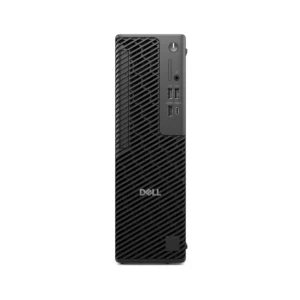
















Dell Pro Max Micro Workstation | Intel Core Ultra 9 285 | 16GB | 1TB SSD | 20GB NVIDIA RTX 4000 Ada | Windows 11 Pro | 280W | 3 Year
- Intel Core Ultra 9 285
- 16 GB DDR5, 5600 MT/s, non-ECC
- 1TB SSD Drive
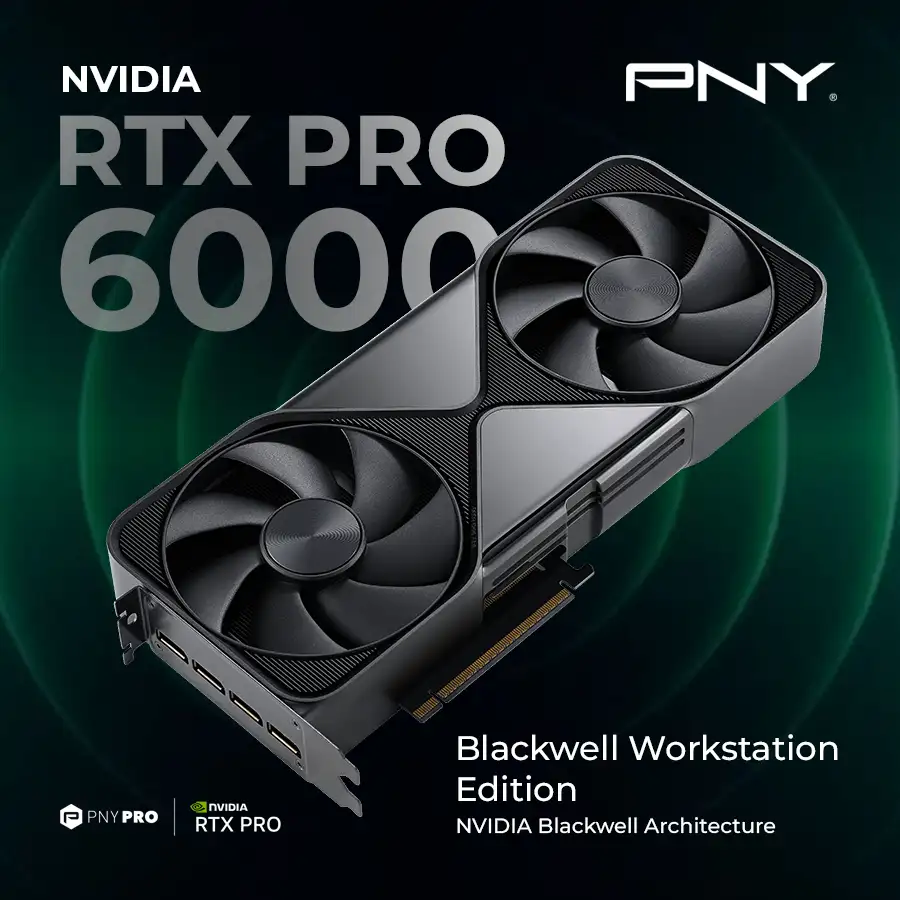
- NVIDIA RTX 4000 Ada, 20 GB GDDR6
- Windows11 Pro
- 280W power supply
- 3 Year Warranty
Free Shipping
Zero delivery charges, maximum convenience.

If You Have Any Query,
Please Contact Us
Our Sales Specialist
Name: Anjalina
Physical Store Available
100% Genuine
24/7 Support

Description
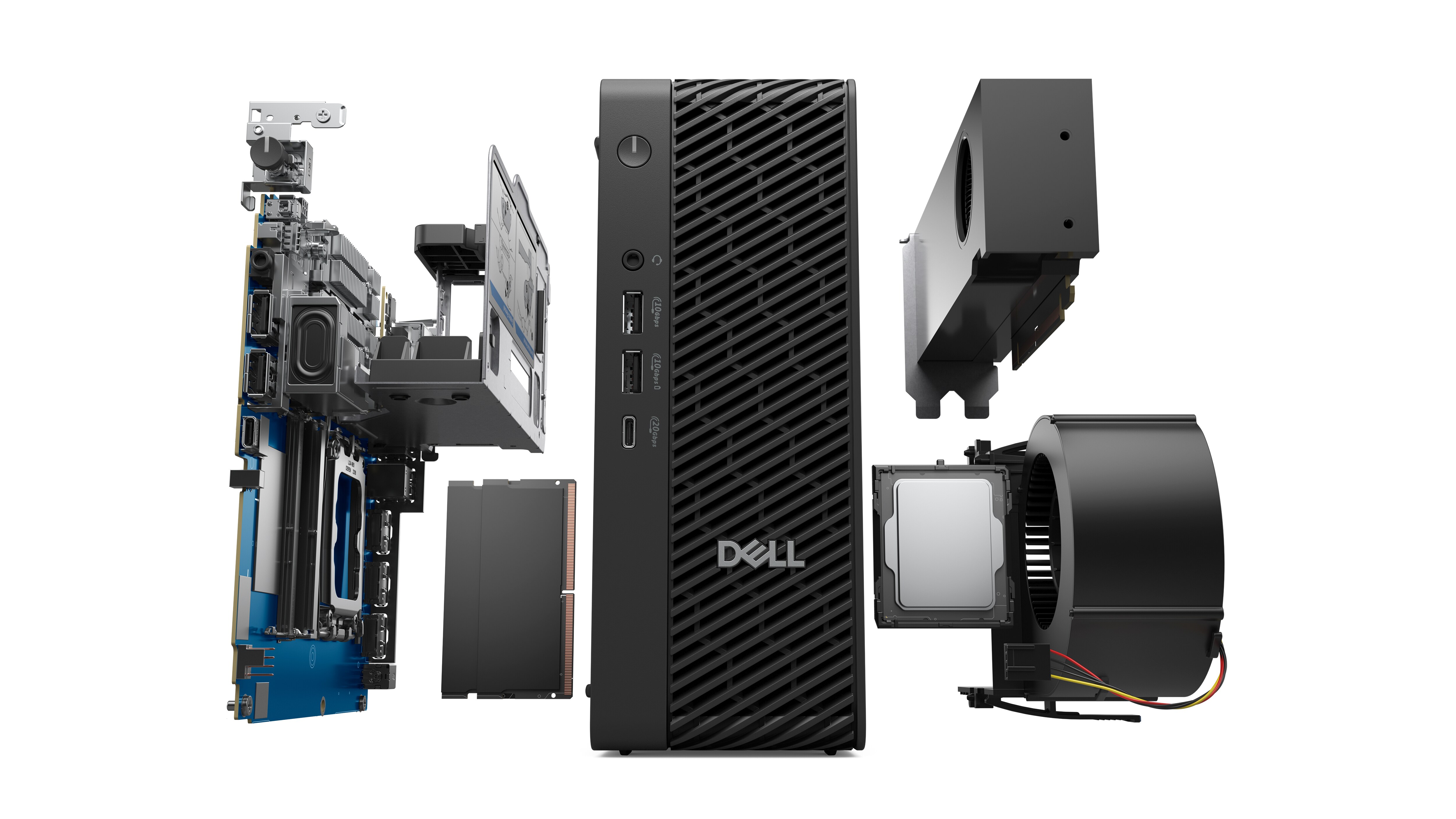
Innovative internals
Including CPU with enhanced power, professional graphics, and higher memory speeds to help you do more.
AI-driven workflows, optimized
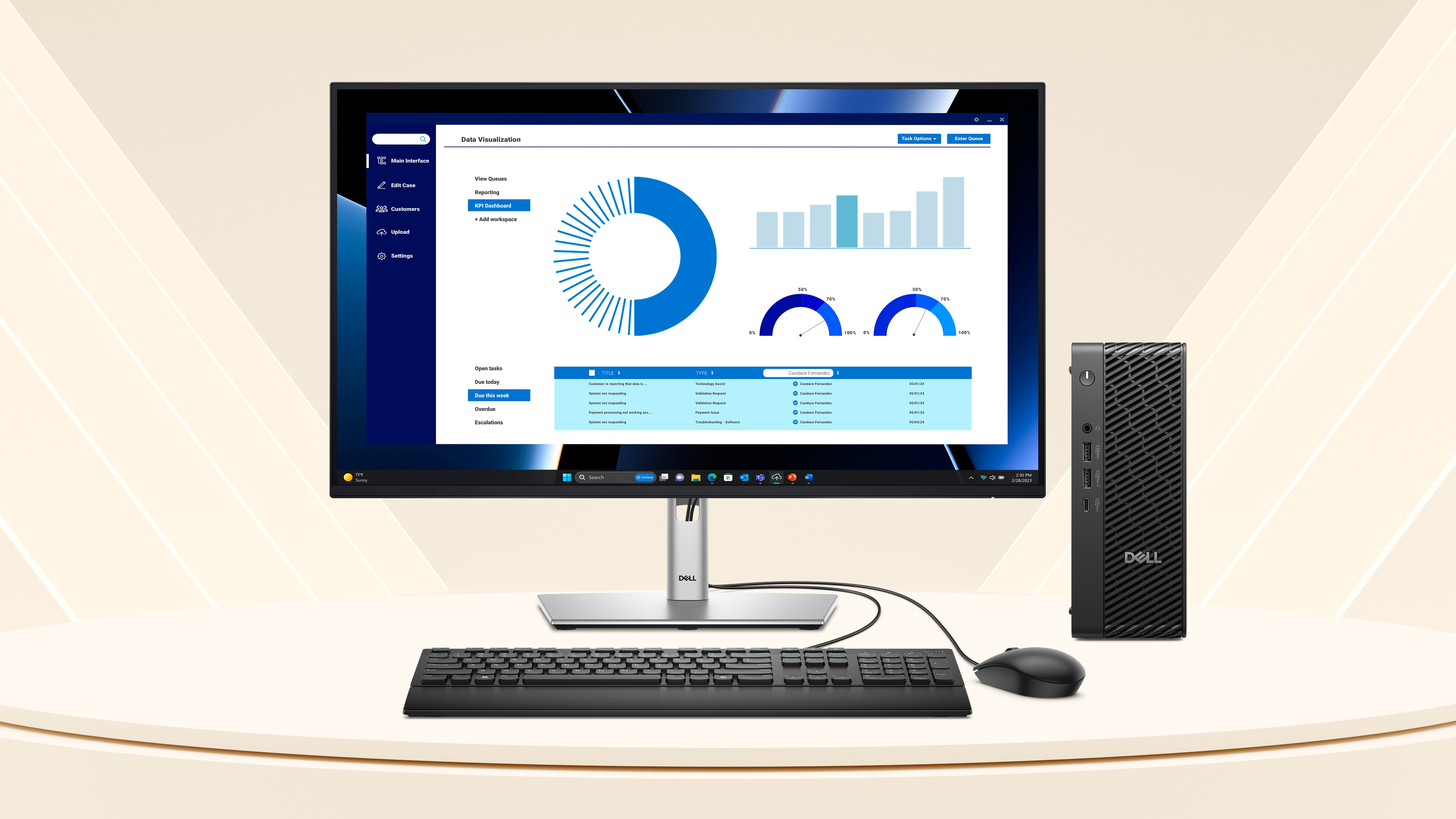
Dell Pro Max Micro Workstation Effortlessly tackle large data-sets, run complex analyses or optimise machine learning models with built-in AI power. With Intel® Core™ Ultra processors, and NVIDIA professional graphics, stay efficient and productive with powerful on-device AI experiences. Enjoy inclusive collaboration, seamless content creation, energy efficiency, and faster threat detection – all integrated seamlessly into your day-to-day.
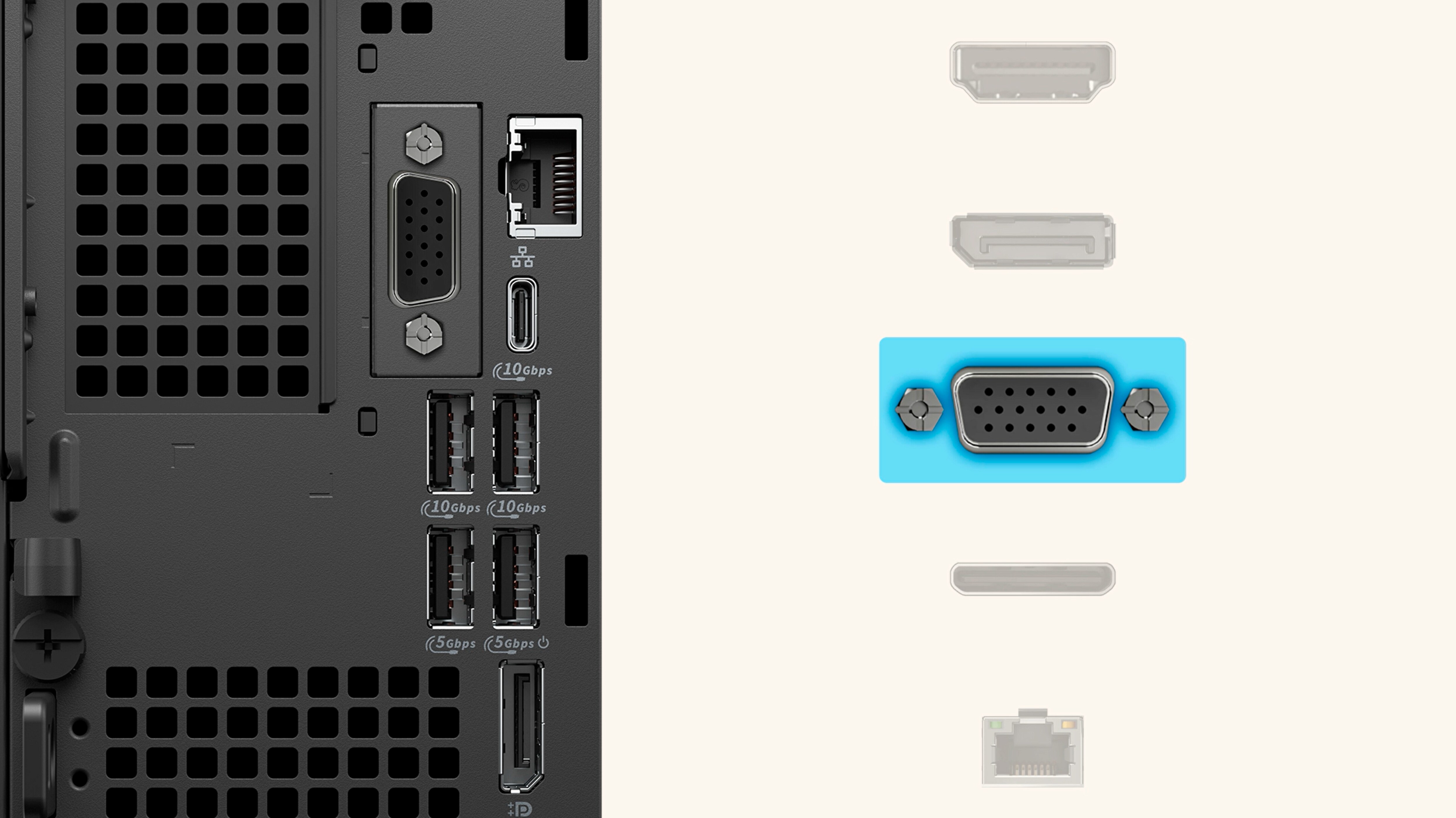
Elevated connectivity
The Dell Pro Max Micro Workstation Extensive connection options tailor to your specific needs. Whether it’s connecting multiple monitors, high-speed storage devices, or essential peripherals, your new high performance PC is more versatile and efficient than ever.
Simplify your setup with versatile mounting
Cater to a variety of settings and preferences with adjustable angles, heights, and orientations. Customise your setup to perfectly match your comfort and productivity needs.


Sustainability fits right in with this PC
Dell Pro Max Micro Workstation Designed to meet the latest environmental standards with recycled materials and packaging.

| Processor Name | Intel Core Ultra 9 285 |
| Processor Speed | 5.6 GHz |
| Processor Core | 24 cores |
| Processor threads | 24 threads |
| Processor Cache | 40 MB L2 Cache |
| Memory Type | DDR5 |
| Memory | 16GB |
| Graphics Card | NVIDIA RTX 4000 Ada, 20 GB GDDR6 |
| Storage | 1TB |
| Power Supply | 280W |
| Operating System | Windows 11 Pro |
| Weight | maximum 2.54 kg |
| Product Dimensions | 387 x 187.70 x 438 mm |
| Warranty | 3 Year |
| Question | What is the Dell Pro Max Micro Workstation used for? |
| Answer | The Dell Pro Max Micro Workstation is designed for business productivity, office applications, multitasking, and light professional workloads in space-constrained environments. |
| Question | Who should buy the Dell Pro Max Micro Workstation? |
| Answer | It is ideal for office users, small businesses, remote workers, retail setups, and enterprises that need compact and efficient desktop systems. |
| Question | Dell Pro Max Micro vs Tower Workstation – Which is better? |
| Answer | The Micro workstation is better for space-saving and basic business tasks, while tower workstations offer higher performance, upgradeability, and support for demanding workloads like CAD and rendering. |
| Question | Dell Pro Max Micro vs Dell OptiPlex – What is the difference? |
| Answer | The Pro Max Micro typically offers workstation-grade reliability and better performance stability compared to standard business desktops like OptiPlex systems. |
| Question | Is the Dell Pro Max Micro better than a laptop for office use? |
| Answer | Yes, it can offer better thermal efficiency, stable performance, and easier multi-monitor setups compared to laptops in fixed office environments. |
| Question | Is the Dell Pro Max Micro suitable for CAD or engineering work? |
| Answer | It is suitable only for light design tasks, not for heavy CAD, 3D modeling, or simulation workloads. |
| Question | What industries commonly use micro workstations? |
| Answer | They are widely used in education, retail, banking, corporate offices, and administrative environments. |
| Question | Does the Dell Pro Max Micro support multiple monitors? |
| Answer | Yes, it supports multi-display setups to improve productivity and workflow efficiency. |
| Question | Can the Dell Pro Max Micro be upgraded? |
| Answer | Upgrade options are limited due to its small form factor, especially compared to tower workstations. |
| Question | What should businesses consider before choosing the Dell Pro Max Micro? |
| Answer | Businesses should evaluate workload intensity, space constraints, future scalability needs, and application requirements before purchase. |
| Question | Why choose Promise Store for this product? |
| Answer | Promise Store ensures genuine products, authorized sourcing, competitive pricing, expert consultation, and reliable after-sales support, making it a trusted choice for enterprise and professional workstation purchases in the UAE. |
Physical Store Available
100% Genuine
24/7 Support